
Take a look
Swipe for more →
One report, two phones, any mix
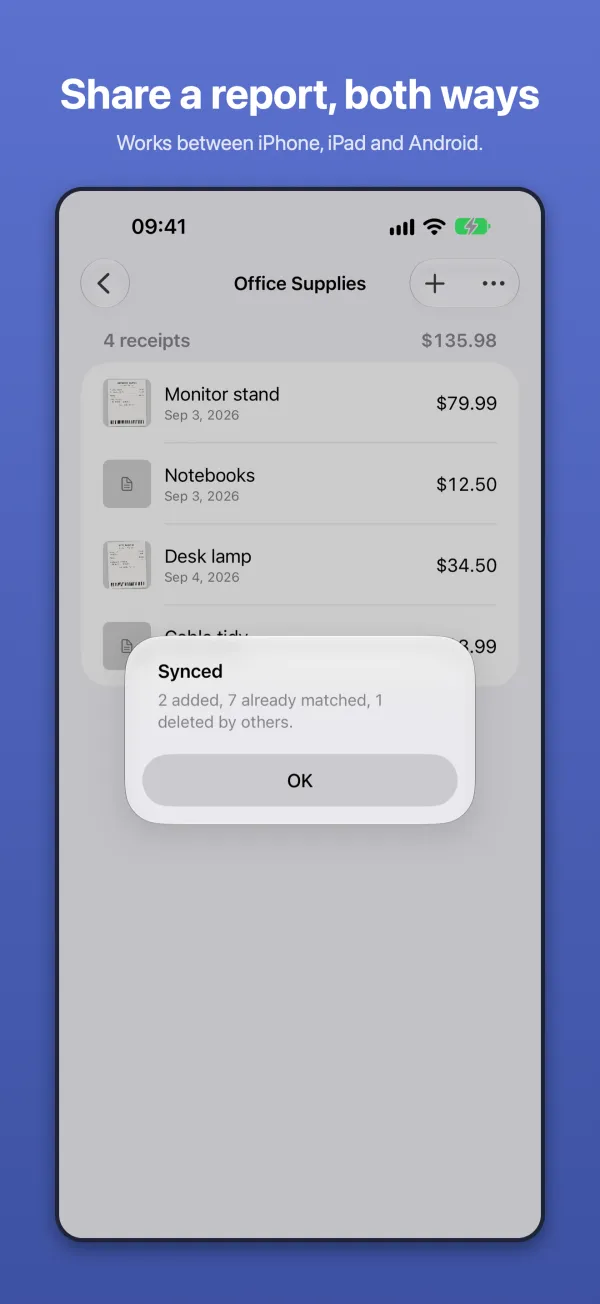
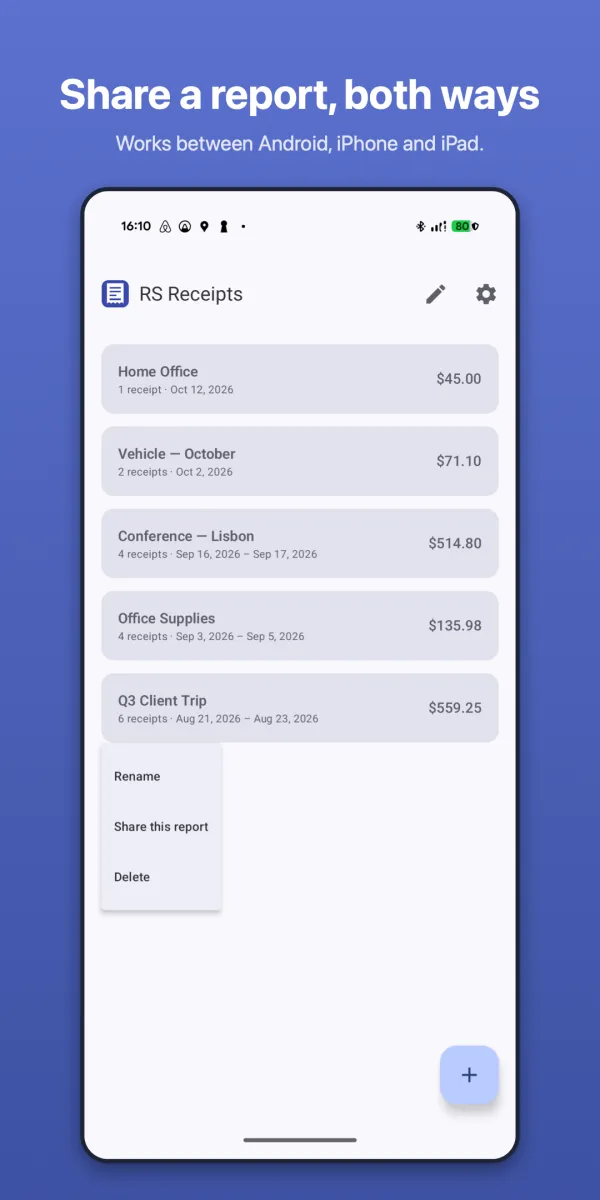
Share a report and both people keep working on it — one on an iPhone, the other on Android, or any mix. Add, edit and delete at the same time. Tap Sync now, or just open the app, and the other person's changes arrive, photos included.
For couples
Household bills, a renovation, a holiday, this year's tax receipts. Each of you snaps receipts on your own phone, iPhone or Android, and the shared report keeps one total.
For work
A team on a trip, a project's costs, an employee and the bookkeeper. Everyone files to the same report from the phone they already carry, with no accounts to set up and nothing to buy per seat.
Save, share and switch phones — iPhone or Android
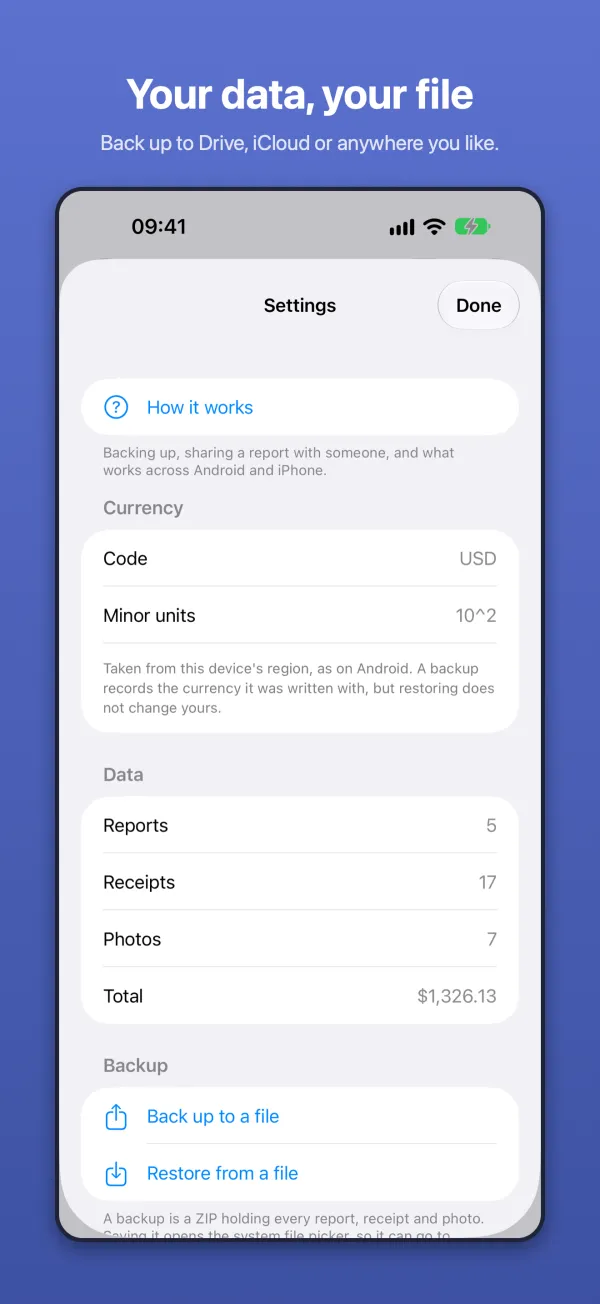
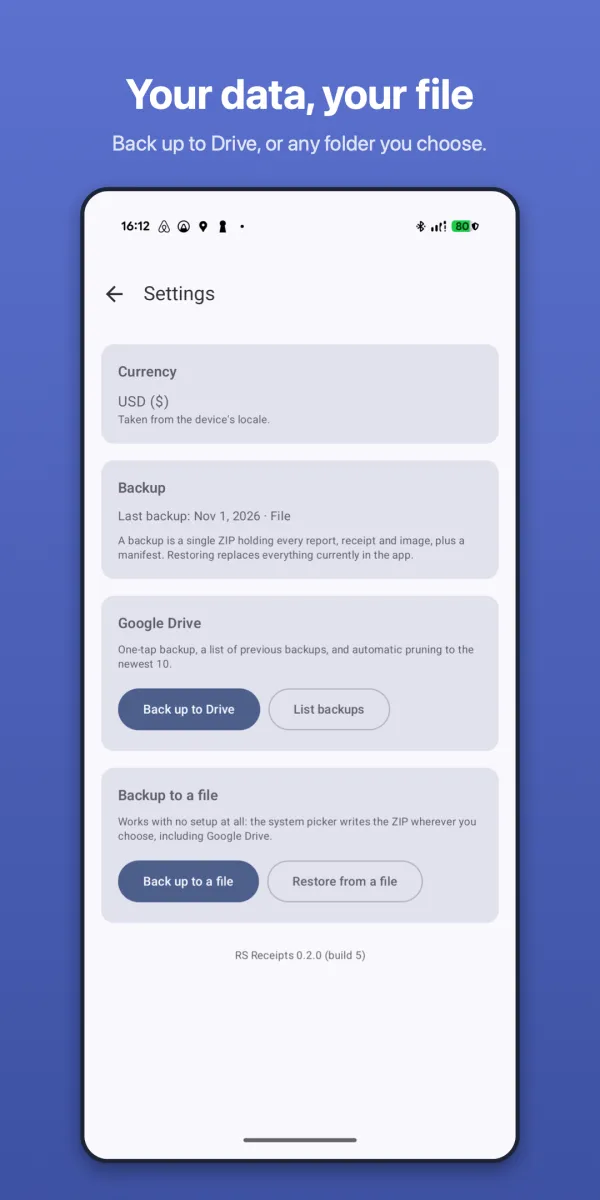
Your receipts live in a file you own. Put it in Google Drive, iCloud Drive or any folder the file picker reaches, and open it on whatever phone comes next.
-
Save
Back up to a single file holding every report, receipt and photo. Save it wherever you like — Google Drive is one tap away in the picker.
-
Share
Put a report in a shared Drive file and work on it together. Both people can add, edit and delete at the same time; changes merge by when they were made, and photos travel inside the file.
-
Switch phones
A backup made on Android restores on an iPhone or iPad, and the other way round. A shared report can have one person on each.
The app talks to no service and has no account — moving receipts is a file you hand over yourself. Keep both devices on a current version: a backup from a newer release is refused by an older one rather than imported incorrectly.
What it does
Reports that add themselves up
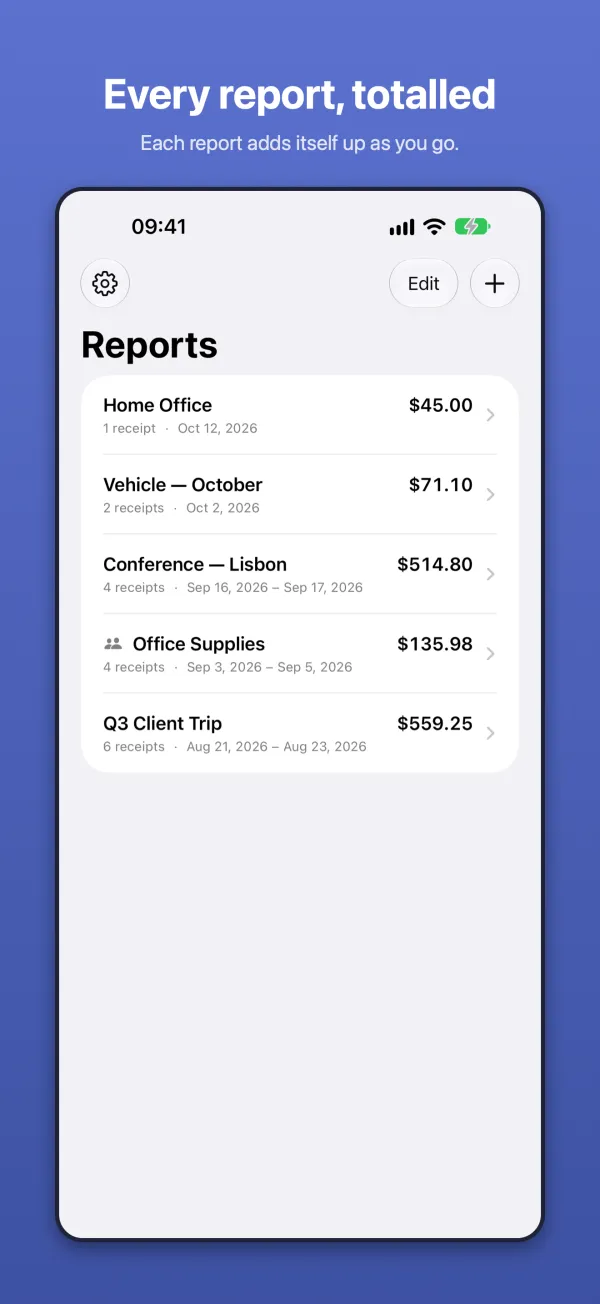
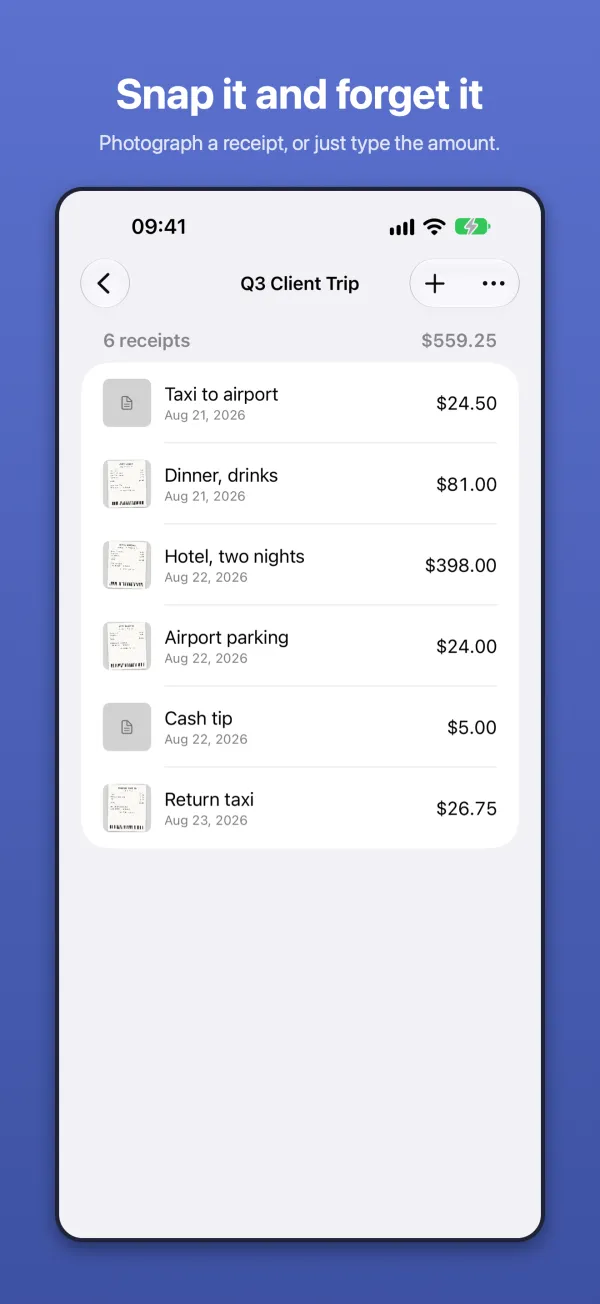
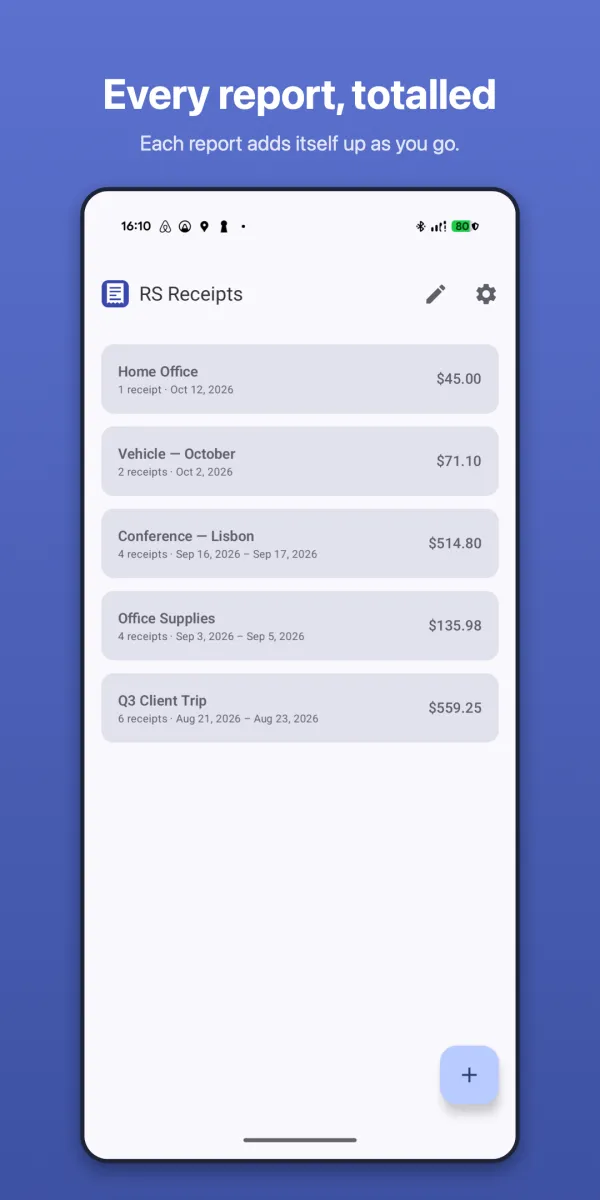
Group receipts by trip, project or month. Each report keeps a running total and its date range. Drag reports into any order.
Photographed or typed
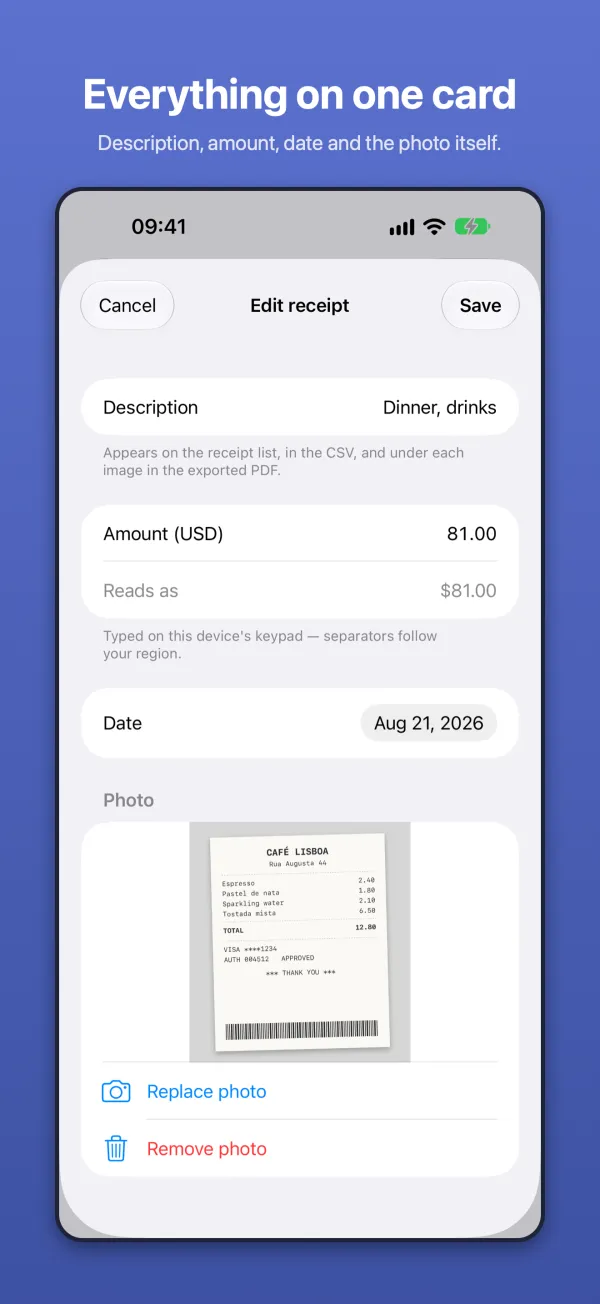
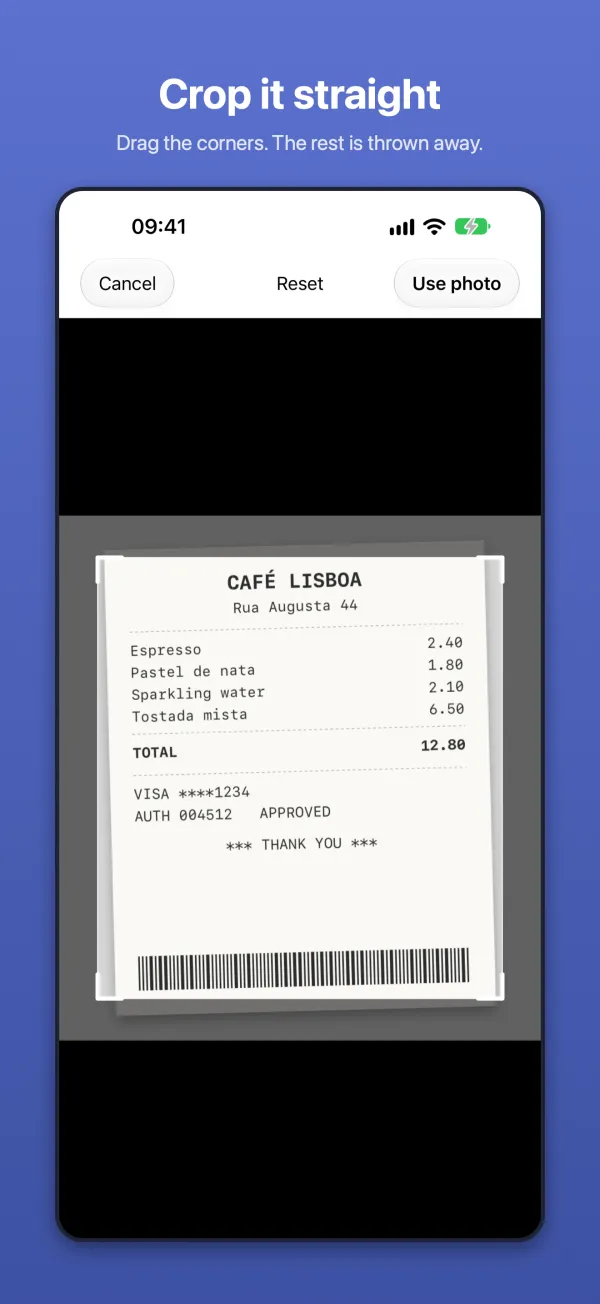
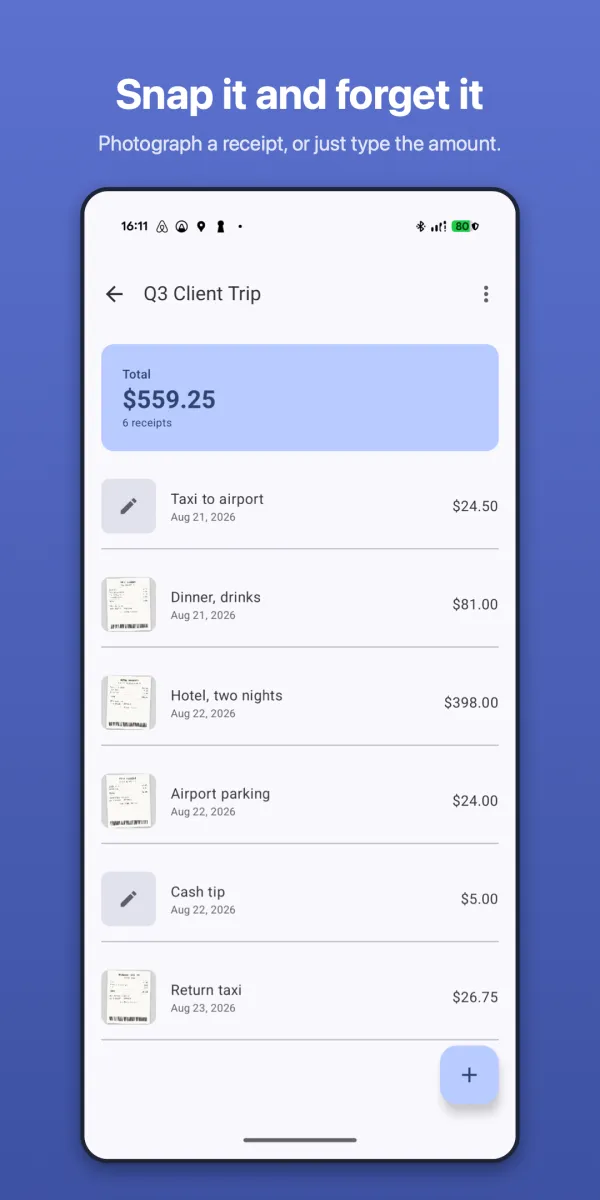
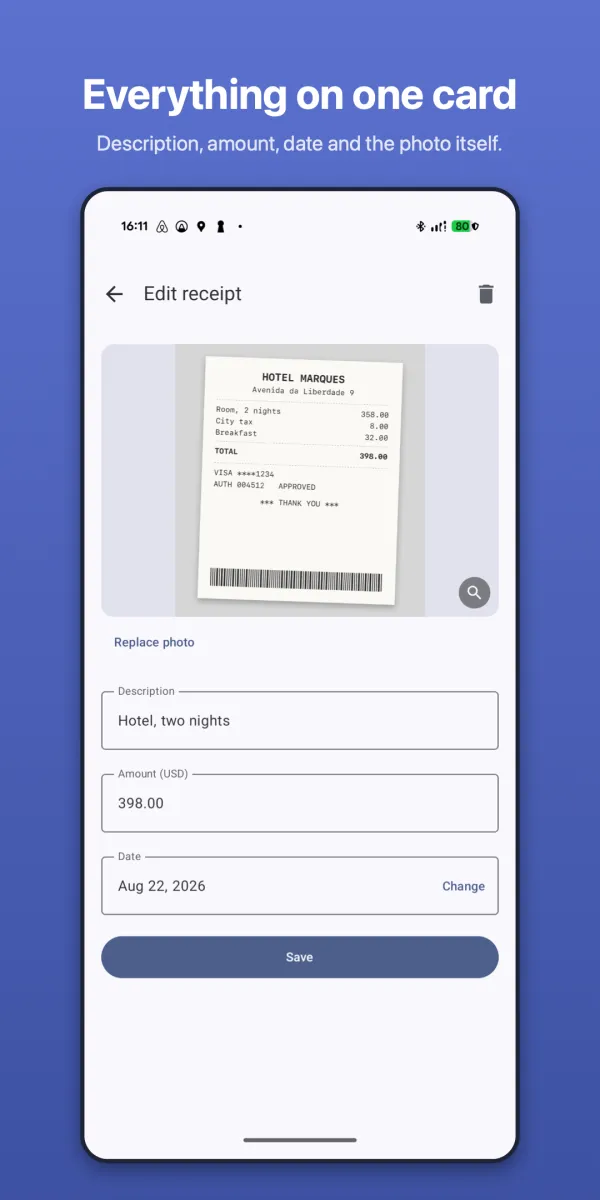
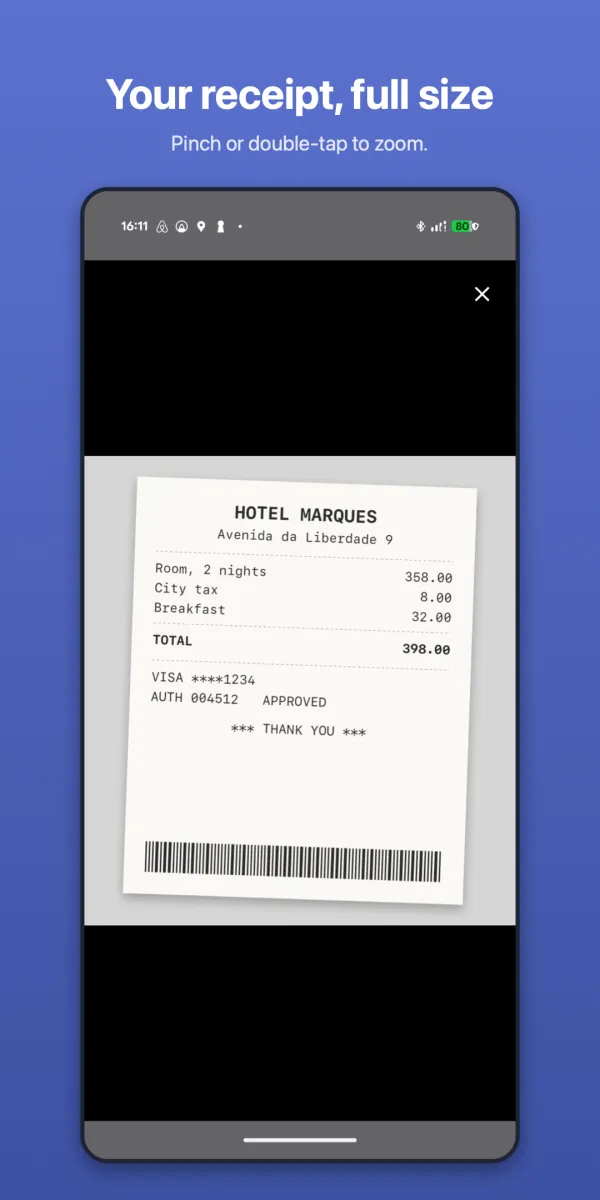
Take a photo or pick one from your library, then drag the corners to crop. No picture? Type the amount and move on.
Export for your accounts team
A PDF with a summary table and a page per receipt, or a ZIP holding a CSV and images numbered to match.
Every sync explains itself
After syncing a shared report you see exactly what happened — added, updated, already matched, deleted by others.
Private by default
Everything stays on your device. RS Receipts has no analytics, no accounts and makes no network calls of its own. Files leave your phone only when you choose to export, back up or share them through the system file picker.